
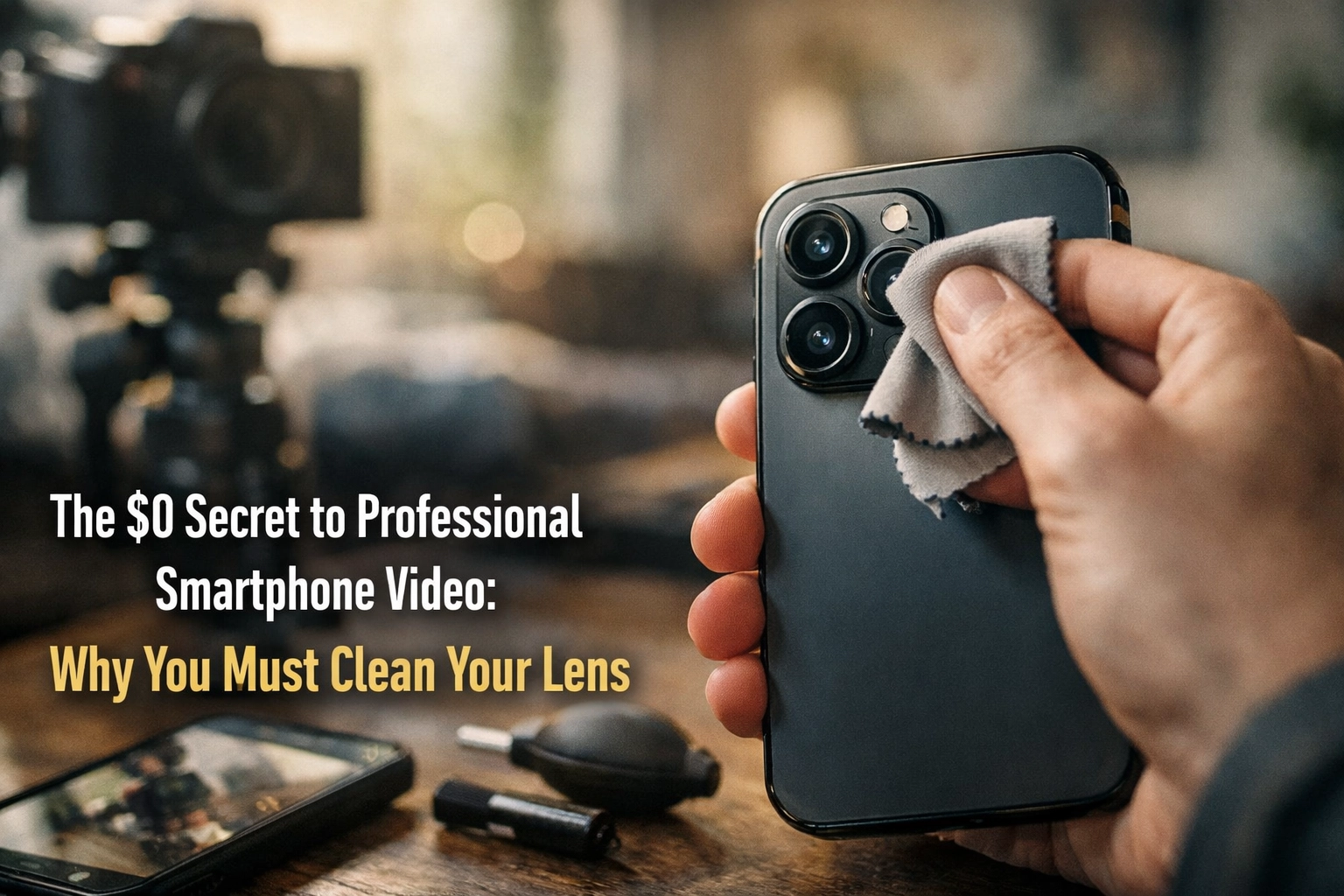
You’ve got the lighting right. Your framing looks solid. You hit record, feeling confident about the content you’re about to capture for your organization. Then you review the footage, and it looks hazy, soft, and unmistakably amateur.
What went wrong? You forgot to clean YO LENS! It’s tip #3 but it is the most practical and best way to optimize your videos picture.
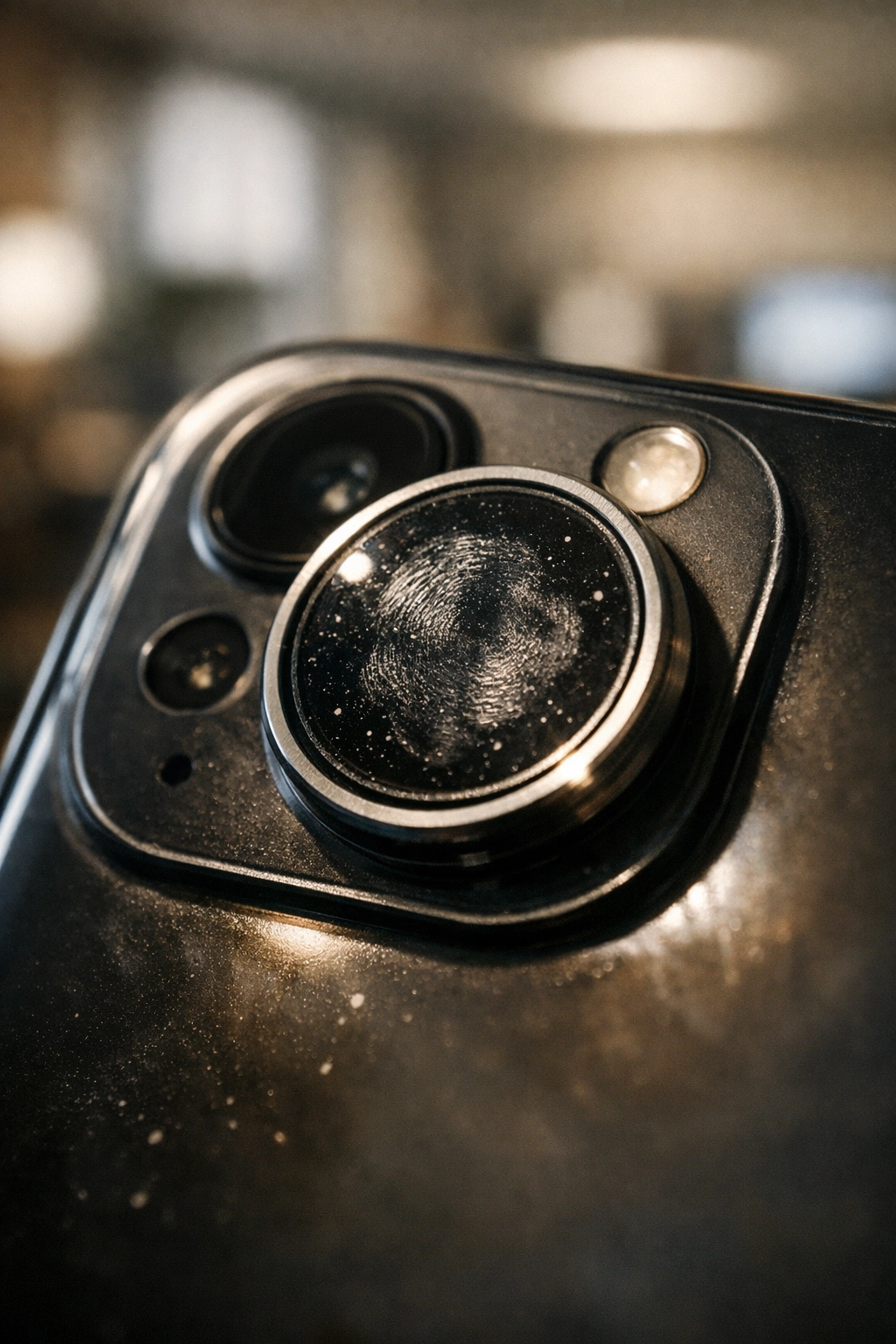
The culprit is probably sitting right on your lens: fingerprints, smudges, and everyday grime.
This is Tip #3(Watch Tip #3) from our ebook, How to Shoot Professional Video with Your Smartphone. The concept is simple: Smudge-free is HD.
No gear purchase required. No fancy accessories. Just a quick wipe before you hit record.
The Problem: Your Lens Is Dirtier Than You Think
Your smartphone lives in your pocket, your bag, and your hands, all day, every day. Every time you touch it, you’re leaving behind oils, fingerprints, and microscopic particles on the camera lens.
You might not notice it with the naked eye. But your camera does.
Those contaminants directly impact your video quality:
- Reduced sharpness – footage appears soft and undefined
- Lower contrast – colors look washed out and flat
- Autofocus struggles – your camera hunts for focus instead of locking on
- Lens flare and ghosting – unwanted optical artifacts, especially in bright or mixed lighting
The result? Video that screams “amateur” before viewers even hear your message.
Why This Matters for Purpose Driven Businesses Creating Impact
For mission-driven organizations, video content is often the first impression donors, partners, and community members have of your work. You’re competing for attention in crowded social feeds and overflowing inboxes.
Blurry, hazy footage undermines your credibility, even if your story is compelling.
Professional-looking video builds trust. It signals that your organization takes its mission seriously and respects its audience’s time.
The good news? You don’t need a $5,000 camera setup to achieve that polished look. You just need to eliminate the barriers between your lens and your subject.
A clean lens is the first step.
How to Clean Your Smartphone Lens Properly
Here’s the straightforward process:
What You Need
- A soft microfiber cloth (the kind that comes with eyeglasses works perfectly)
- That’s it
What to Do
- Grab your microfiber cloth – Keep one in your bag, desk drawer, or phone case
- Wipe the back lens – This is your main camera; give it a gentle circular wipe
- Wipe the front lens – Don’t forget the selfie camera if you’re recording yourself
- Check for streaks – Hold the phone at an angle to catch any remaining smudges
- Hit record
The entire process takes about five seconds.

What to Avoid
Not all cleaning materials are created equal. Some can actually damage your lens:
- Toilet paper or tissues – Despite feeling soft, these can scratch your lens coating
- Household chemicals – Ammonia, alcohol, and standard cleaning sprays can degrade protective coatings
- Your shirt (sometimes) – Rough fabrics or dirty clothing can leave more residue than they remove
Smartphone camera lenses have specialized scratch-resistant and oleophobic (oil-resisting) coatings. These coatings are durable but not indestructible. Stick with microfiber to protect your investment.
For stubborn residue, slightly dampen your microfiber cloth with water. Avoid soaking it. Let the lens air dry before recording.
Make It a Habit
Here’s where most people fail: they know they should clean their lens, but they forget in the moment.
The fix is simple. Build it into your pre-recording routine.
Before every video, whether it’s a quick Instagram Story, a donor testimonial, or a polished campaign piece, wipe your lens. Make it as automatic as checking your framing or adjusting your lighting.
Some practical ways to build the habit:
- Keep a microfiber cloth attached to your phone case
- Store one in every bag you use for work
- Put one next to your ring light or tripod
- Add “clean lens” to your video production checklist
The goal is to remove friction. When the cloth is always within reach, you’ll use it without thinking.
The Bigger Picture: Small Details, Big Impact
Cleaning your lens might seem like a minor detail. It is. But professional video is the accumulation of minor details done right.
Lighting. Audio. Framing. Stability. And yes: a clean lens.
Each element contributes to the overall impression your content makes. Neglect one, and viewers notice (even if they can’t articulate exactly what feels “off”).
For non-profits and purpose-driven organizations operating on tight budgets, these zero-cost improvements are game changers. You don’t need expensive equipment to create content that connects with your audience. You need attention to the fundamentals.
A smudge-free lens is the easiest fundamental to master.
What Else Is in the Ebook?
Tip #3 is just one piece of the puzzle.
How to Shoot Professional Video with Your Smartphone covers everything you need to create polished, engaging video content without a production crew or massive budget:
- Optimal camera settings for different scenarios
- Lighting techniques using natural and affordable sources
- Audio tips that make a bigger difference than video quality
- Framing and composition basics
- Stabilization hacks for smooth footage
- Editing workflows for fast turnaround
Each tip is designed for busy professionals who need results without a steep learning curve.

Download the Full Ebook
Ready to level up your smartphone video game?
Get all the tips, techniques, and shortcuts we use with our clients: organizations creating impact through video storytelling.
Need Hands-On Support? – Book a Professional Video Workshop.
Sometimes you need more than tips. You need a partner.
Natural Leaders Media works with organizations large and small, non-profits, agencies, and purpose-driven brands to create video content that drives action. From strategy to production to editing, we help organizations tell stories that matter.
Request a Proposal | Learn About Our Process
Quick Reference: Lens Cleaning Checklist
| Step | Action |
|---|---|
| 1 | Grab a microfiber cloth |
| 2 | Wipe the back camera lens |
| 3 | Wipe the front camera lens |
| 4 | Check for remaining streaks |
| 5 | Hit record |
Smudge-free is HD. It’s that simple.

One Response
This is great information