
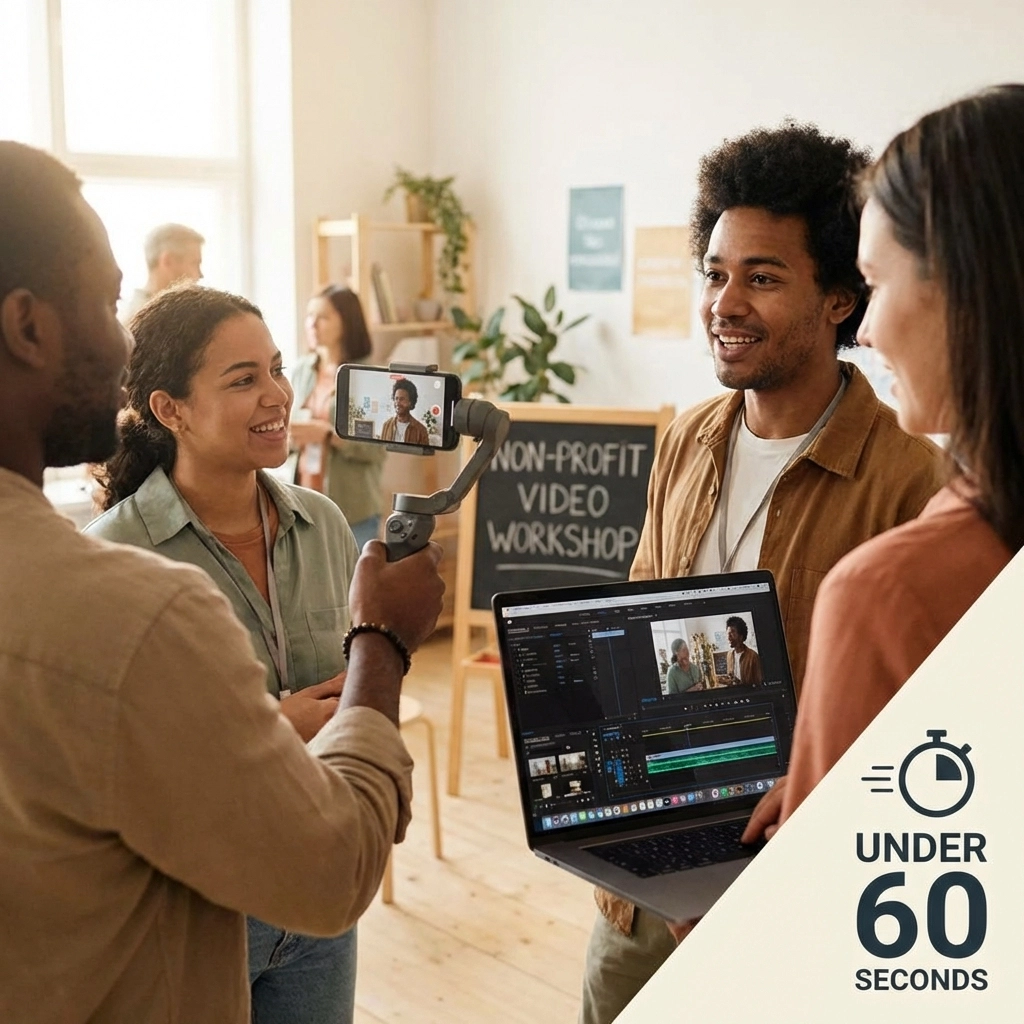
Short-form video dominates social media. For non-profits with limited budgets and tight timelines, mastering the 60-second video format is essential. This guide breaks down exactly how to create professional video content quickly, no expensive equipment or film school degree required.
Why 60 Seconds?
Attention spans are shrinking. Donors, volunteers, and supporters scroll fast. A 60-second video delivers your message before they move on.
Key benefits for non-profits:
- Higher completion rates than longer videos
- Easy to share across all social platforms
- Lower production time and cost
- Perfect for fundraising appeals, event promos, and impact stories
Step 1: Define Your Goal
Before you hit record, answer one question: What do you want viewers to do after watching?
Common non-profit video goals:
- Donate to a campaign
- Sign up to volunteer
- Attend an event
- Share your message
- Visit your website
One video = one goal. Trying to accomplish multiple objectives dilutes your message and confuses viewers.
Know your audience. A video targeting potential donors looks different from one recruiting volunteers. Tailor your tone, visuals, and call-to-action accordingly.
Step 2: Write a Tight Script
For 60 seconds of video, you have approximately 150 words. Every word counts.
Script structure:
| Section | Time | Purpose |
|---|---|---|
| Hook | 0-5 seconds | Grab attention immediately |
| Problem/Story | 5-25 seconds | Present the issue or narrative |
| Solution | 25-45 seconds | Show your organization’s impact |
| CTA | 45-60 seconds | Direct next steps |
The hook is everything. You have 5 seconds to stop the scroll. Lead with emotion, a surprising fact, or a compelling question.
Examples:
- “Every 30 seconds, a child in our city goes hungry.”
- “What would you do with a second chance?”
- “This is Maria. Last year, she was homeless.”
Skip the lengthy introductions. Don’t waste precious seconds on “Hi, we’re [Organization Name] and we’ve been serving the community since 1985…” Get to the point.
Step 3: Create a Simple Shot List
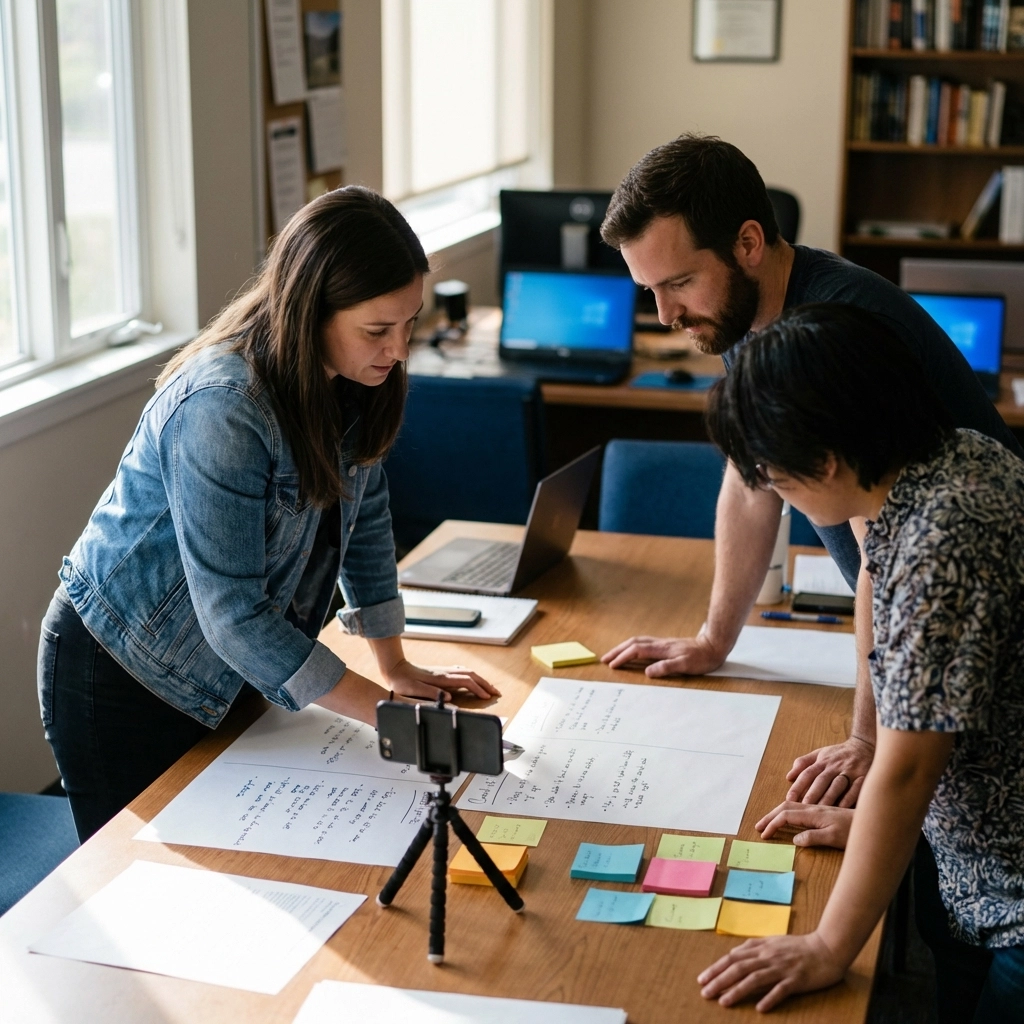
You don’t need a Hollywood storyboard. A basic shot list keeps your filming focused and efficient.
For a 60-second video, plan 4-6 shots:
- Opening shot (hook visual)
- Subject/interview shot
- B-roll footage (action, environment)
- Impact shot (results, beneficiaries)
- Logo/CTA end card
Write down each shot before filming. This prevents wasted time on set and ensures you capture everything needed in editing.
Shot variety matters. Mix wide shots, medium shots, and close-ups to maintain visual interest. Static shots work, but subtle movement (pans, tilts) adds production value.
Step 4: Record with Simple Equipment
Professional video doesn’t require a $10,000 camera setup. Your smartphone can produce broadcast-quality footage when used correctly.
Essential gear:
- Smartphone (iPhone or Android, 2020 or newer)
- Tripod or stabilizer ($20-50)
- External microphone ($30-100)
- Natural or ring light ($25-75)
Total investment: Under $200.
Recording tips:
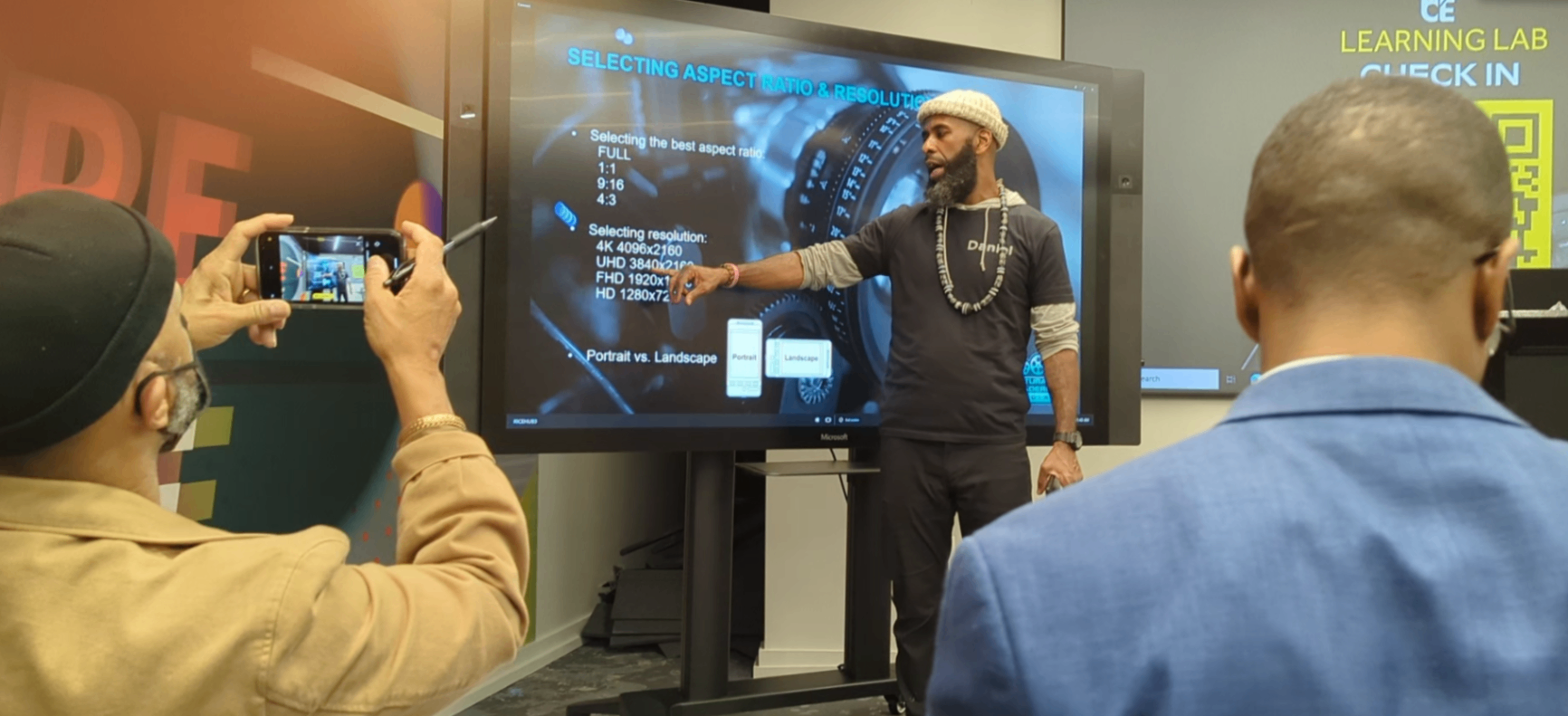
- Shoot in landscape (horizontal) for YouTube and websites
- Shoot in portrait (vertical) for Instagram Reels and TikTok
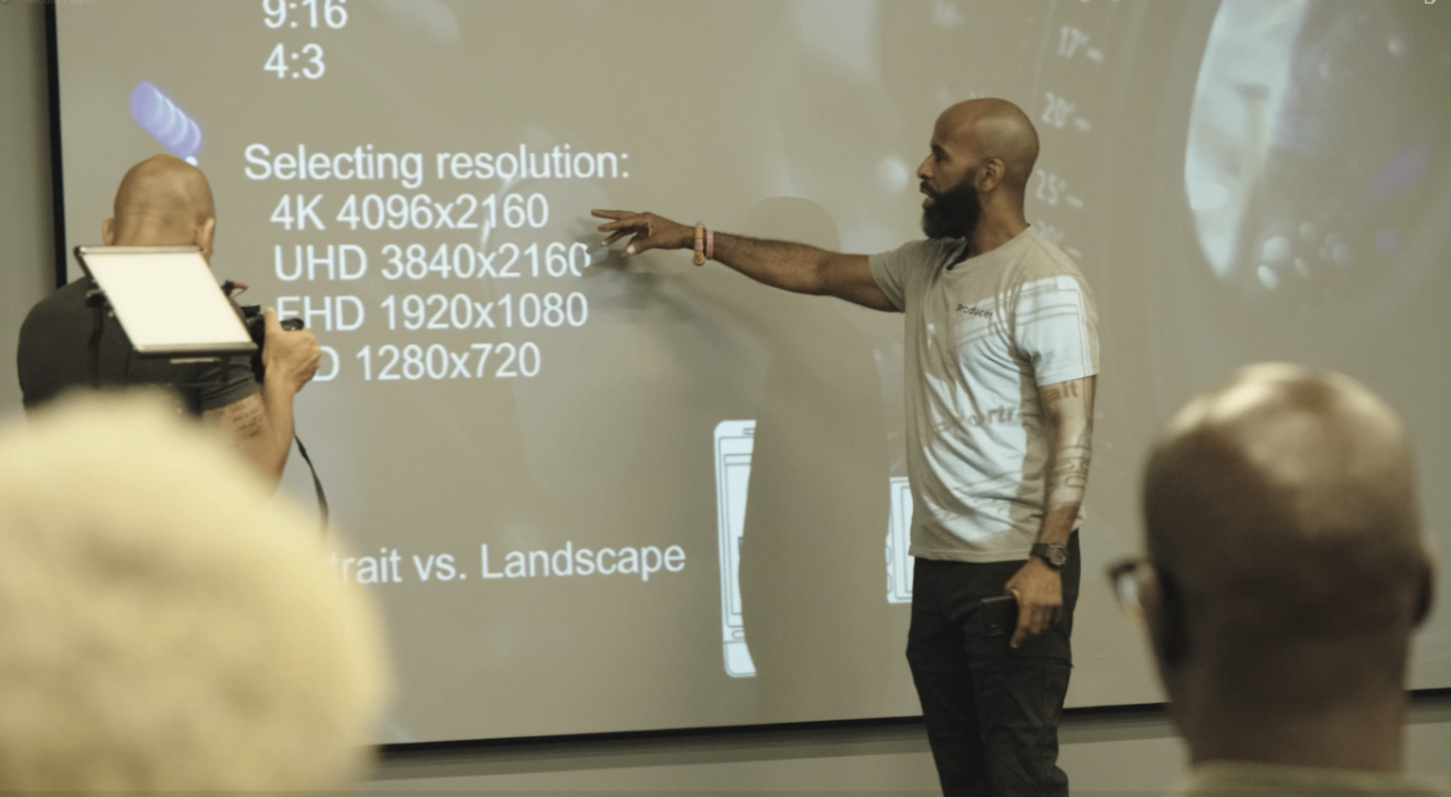
- Film in 4K if your phone supports it: you can always downscale
- Clean your lens before every shoot
- Record in a quiet environment
Audio is non-negotiable. Bad audio kills good video. An external lavalier mic or shotgun mic dramatically improves sound quality. If you’re filming interviews or testimonials, this is your most important investment.
Step 5: Lighting Basics
Good lighting separates amateur video from professional content. You don’t need studio lights: natural light works perfectly.
Quick lighting setup:
- Position your subject facing a window
- Avoid harsh overhead lighting
- Shoot during “golden hour” (early morning or late afternoon) for outdoor footage
- Use a white poster board as a cheap reflector to fill shadows
What to avoid:
- Backlighting (subject in shadow, background bright)
- Mixed lighting (warm and cool tones in same shot)
- Direct sunlight causing harsh shadows
Step 6: Edit Ruthlessly
Editing makes or breaks your video. Cut everything that doesn’t serve your goal.
Beginner-friendly editing apps:
| App | Platform | Best For |
|---|---|---|
| CapCut | iOS/Android | Quick social edits |
| iMovie | iOS/Mac | Simple storytelling |
| InShot | iOS/Android | Vertical video |
| Canva Video | Web/Mobile | Branded content |
Editing checklist:
- Trim dead air and pauses
- Add captions (85% of social video is watched without sound)
- Include your logo
- Add background music (royalty-free)
- Insert text overlays for key points
- End with clear CTA and contact info
Keep transitions simple. Basic cuts work better than flashy effects. Dissolves and fades are fine: star wipes and 3D spins are not.
Step 7: End with a Clear Call-to-Action
Never leave viewers wondering what to do next. Your final 10-15 seconds should direct them to take action.
Effective CTAs for non-profits:
- “Donate today at [website]”
- “Text GIVE to 55555”
- “Sign up to volunteer: link in bio”
- “Share this video to spread the word”
- “Visit our website to learn more”
Display the CTA on screen as text while speaking it aloud. Repetition increases action.
Common Mistakes to Avoid
1. Trying to say too much
60 seconds is short. Focus on one message, one story, one ask.
2. Skipping captions
Most social media users watch without sound. Captions aren’t optional: they’re essential.
3. Weak opening
If your first 3 seconds don’t grab attention, nothing else matters.
4. No clear CTA
Every video needs a purpose. Tell viewers exactly what you want them to do.
5. Over-editing
Fancy effects don’t compensate for weak content. Keep it clean and simple.
Quick Reference: 60-Second Video Checklist
- One clear goal defined
- Script under 150 words
- Strong hook in first 5 seconds
- Shot list prepared (4-6 shots)
- External microphone ready
- Good lighting secured
- Captions added
- Logo included
- CTA on screen and spoken
- Final runtime: 60 seconds or less
Need Help?
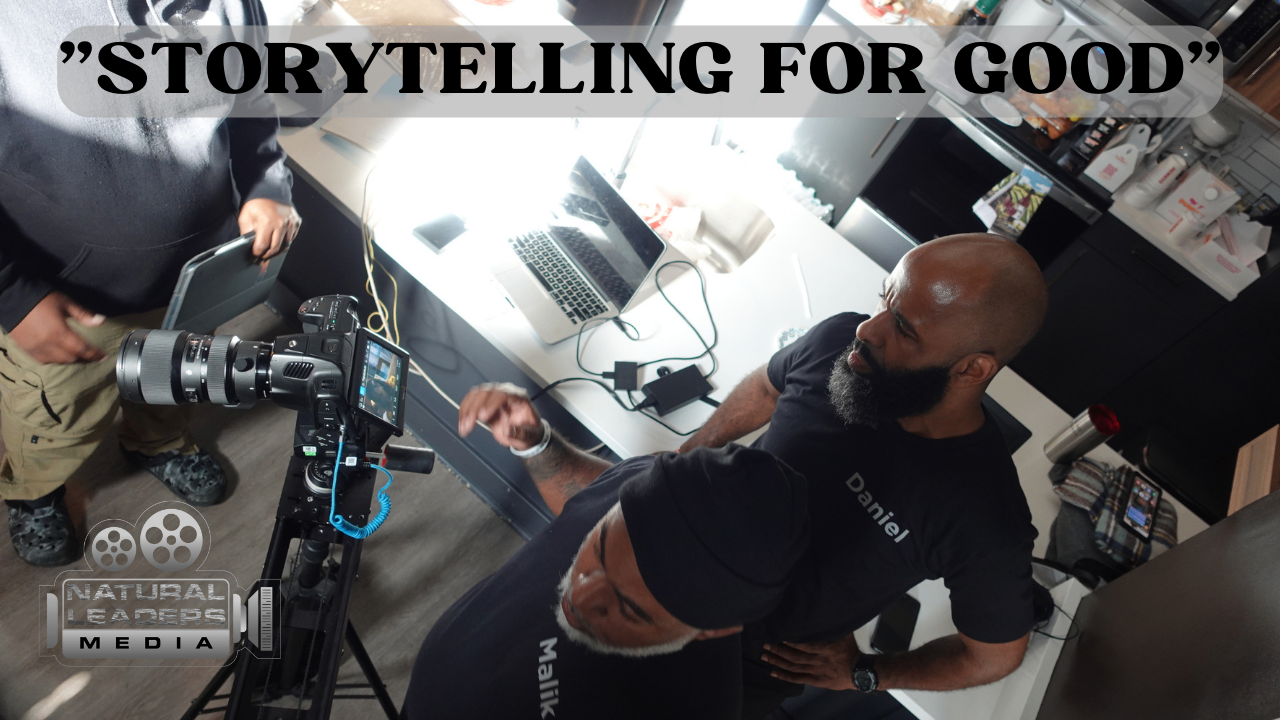
Creating consistent, professional video content takes time and expertise. If your non-profit needs support with video production, content strategy, or recurring campaigns, Natural Leaders Media specializes in storytelling for mission-driven organizations.
