
Let’s be honest – video production budgets can get out of hand fast. Between expensive cameras, professional lighting rigs, and crew costs, many organizations find themselves spending thousands just to create basic content. But here’s the thing: your smartphone is probably more capable than you think.
At Natural Leaders Media, we’ve seen organizations transform their content creation by mastering smartphone video techniques. The results? Professional-quality videos at a fraction of the cost. Ready to slash your production budget while maintaining quality? Here are seven smartphone hacks that will change how you approach video content.
Hack #1: Master the Tripod Game
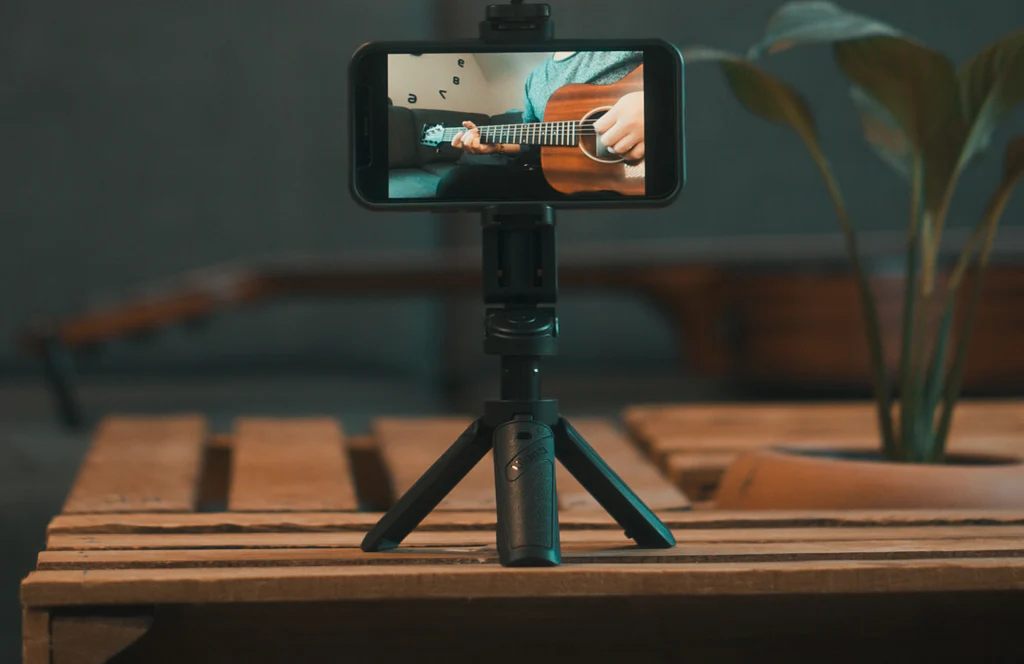
Shaky footage screams “amateur,” but you don’t need a $2,000 stabilizer to fix it. A basic smartphone tripod ($15-30) will eliminate 90% of your stability issues. For even smoother movement, consider a budget gimbal ($50-100).
Pro tip: Can’t afford a gimbal yet? Use the “gaff tape cup method.” Secure your phone in a plastic cup using gaff tape – it creates a surprisingly steady handheld rig for basic shots.
Hack #2: Audio That Actually Sounds Professional
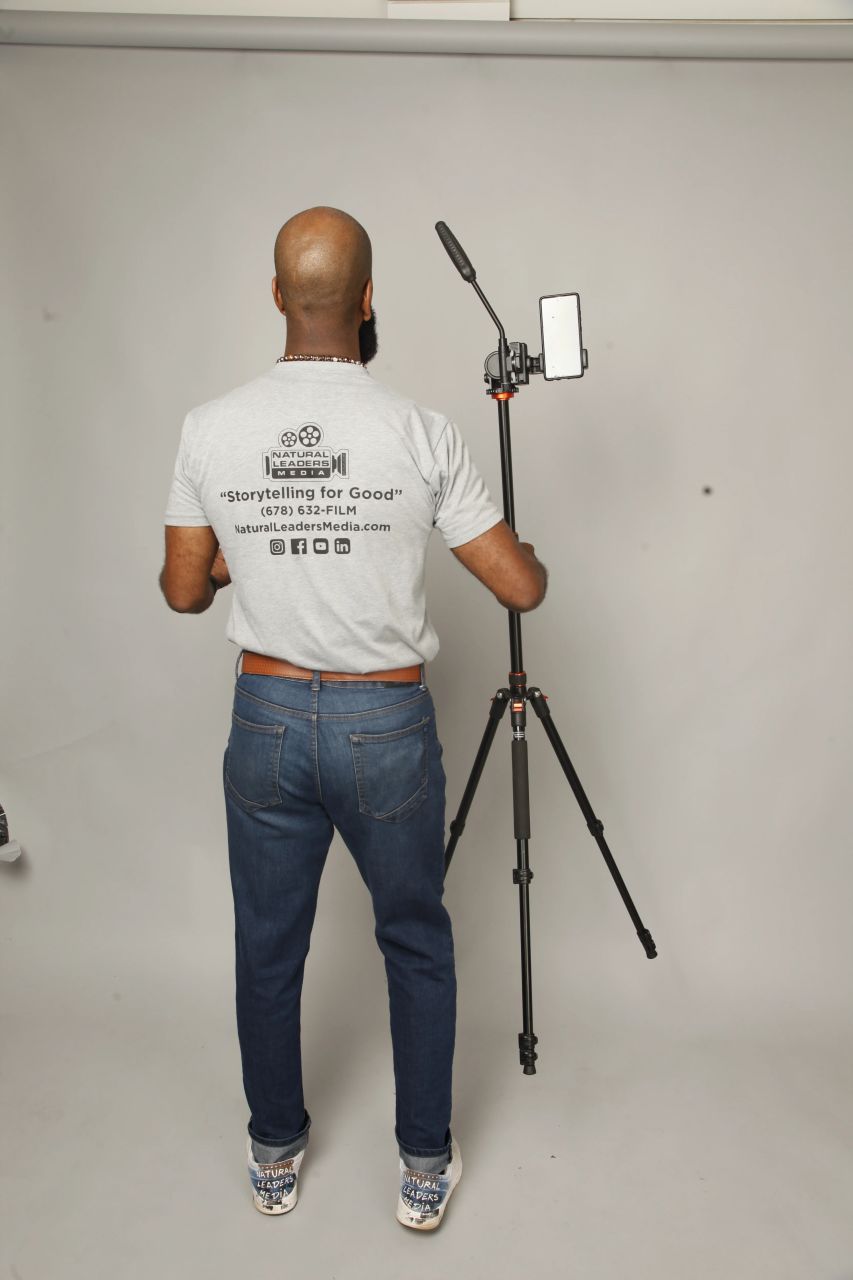
Your smartphone’s built-in microphone isn’t terrible, but it’s not great either. The good news? You don’t need a $500 microphone setup. A basic lavalier mic that plugs into your phone ($20-40) will dramatically improve your audio quality.
Can’t budget for a mic right now? Try this: record your audio separately using your phone’s voice memo app in a quiet room, then sync it to your video during editing. Smartphone microphones perform surprisingly well in controlled environments – just avoid echoing spaces and background noise.
Hack #3: Unlock Pro Camera Settings
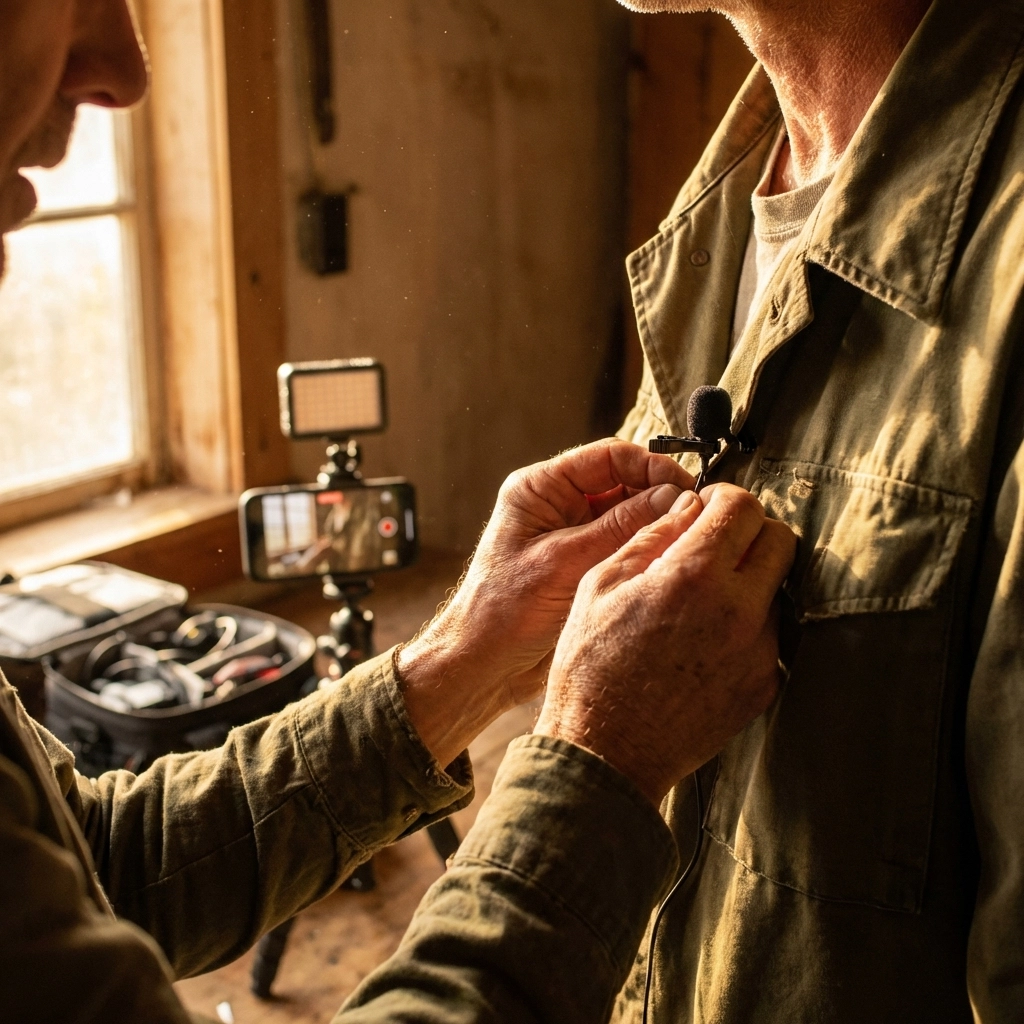
Your phone’s default camera app is designed for quick snapshots, not professional video. Download apps that give you manual control over ISO, shutter speed, and focus. Apps like FiLMiC Pro or even your phone’s built-in “Pro” mode can unlock features you didn’t know existed.
Key settings to adjust:
- Frame rate: Stick to 24fps for that cinematic look
- Resolution: 4K if your phone supports it (most do now)
- Focus: Manual focus prevents that annoying hunting effect
- Exposure: Lock it to avoid flickering
Hack #4: Light It Right Without Breaking the Bank
Lighting makes the biggest difference between amateur and professional-looking video. Before buying anything, master natural light. Position your subject near a large window during golden hour (the hour after sunrise or before sunset) for naturally flattering illumination.
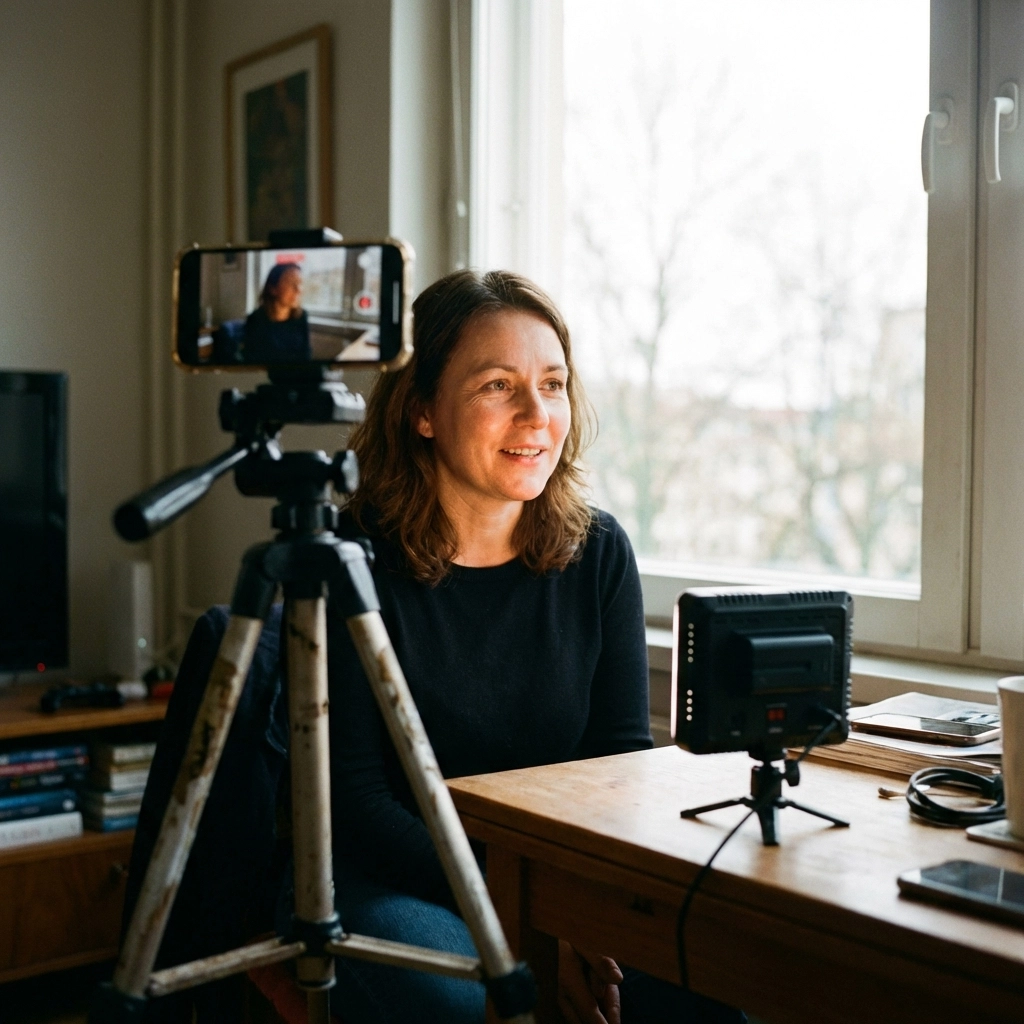
Need artificial light? Skip the expensive cinema lights. Basic LED light panels ($30-60) provide consistent, adjustable lighting that’s perfect for interviews or product shots. For even cheaper options, use desk lamps with daylight bulbs – just make sure the color temperature matches across all your lights.
Hack #5: Plan Like a Pro
This hack costs zero dollars but saves hours of wasted time. Create a detailed shot list before you start filming. Write down every angle you need, the order you’ll shoot them in, and any specific notes about lighting or audio.
Why this works: Professional productions use shot lists because they eliminate guesswork and ensure you don’t miss crucial footage. When you’re working with limited time and budget, efficiency is everything.
Hack #6: Creative Positioning with Everyday Items
Expensive camera rigs exist to put cameras in interesting positions. Your smartphone + creativity can achieve the same results.
Creative mounting ideas:
- Gaff tape: Stick your phone anywhere without residue – ceilings, car dashboards, inside tight spaces
- Clamps: A basic clamp lets you attach your phone to railings, tables, or equipment
- Weighted base: Put your phone in a cup weighted with coins for low-angle shots
- String steadycam: Create a DIY steadycam using string and a weight
Hack #7: Post-Production Magic on a Budget
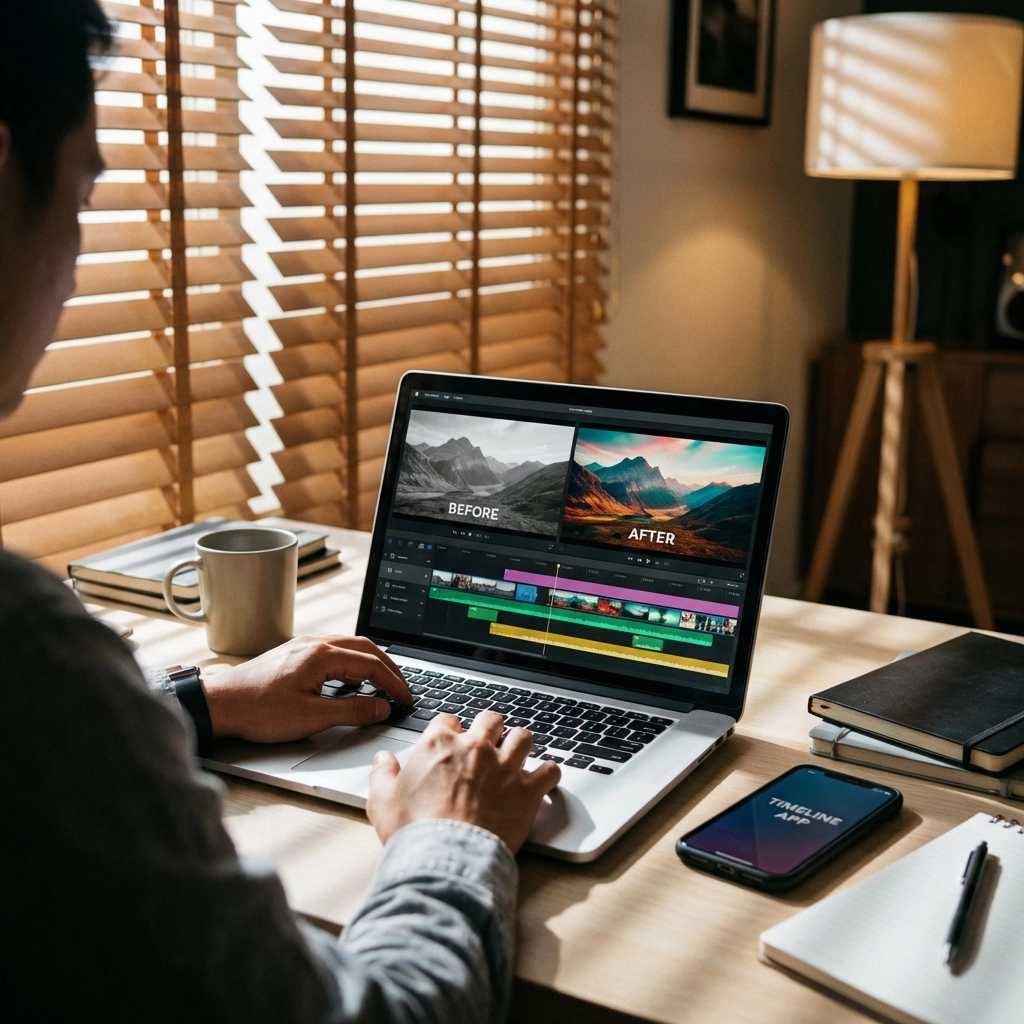
Great footage deserves great editing, but you don’t need expensive software. Free options like iMovie (iOS) or DaVinci Resolve (desktop) can handle most projects. The secret weapon? LUTs (Look-Up Tables).
LUTs are color grading presets that instantly give your footage a professional, cinematic look. Instead of spending hours tweaking colors manually, download free LUT packs and apply them with one click. Many LUTs are designed specifically for smartphone footage and can transform flat-looking video into something that looks like it was shot on expensive cameras.
Real-World Results
These techniques work. We’ve helped nonprofits create donor impact videos that generated six-figure donations, all shot entirely on smartphones. Small businesses have built entire marketing campaigns using nothing but iPhone footage and creativity.
The key isn’t having the most expensive equipment – it’s understanding how to maximize what you already own. Your smartphone has 4K recording, optical stabilization, and computational photography features that would have cost thousands just a few years ago.
Getting Started Today
Pick one hack and implement it this week. Start with stabilization (grab a tripod) or audio (test recording in different locations). Once that becomes second nature, add the next technique.
Remember: professional video isn’t about having professional equipment – it’s about understanding the fundamentals of good storytelling and technical execution. Master these smartphone techniques, and you’ll create content that competes with productions that cost 10x more.
Ready to take your video production to the next level? Whether you want to implement these techniques yourself or work with our team to create professional content, Natural Leaders Media is here to help your organization tell its story effectively and efficiently.
The best camera is the one you have with you – and chances are, it’s more powerful than you think.
